Spark Student Help
Click the Progress tab in Spark.
Click Parents View in the upper-right side of the screen.
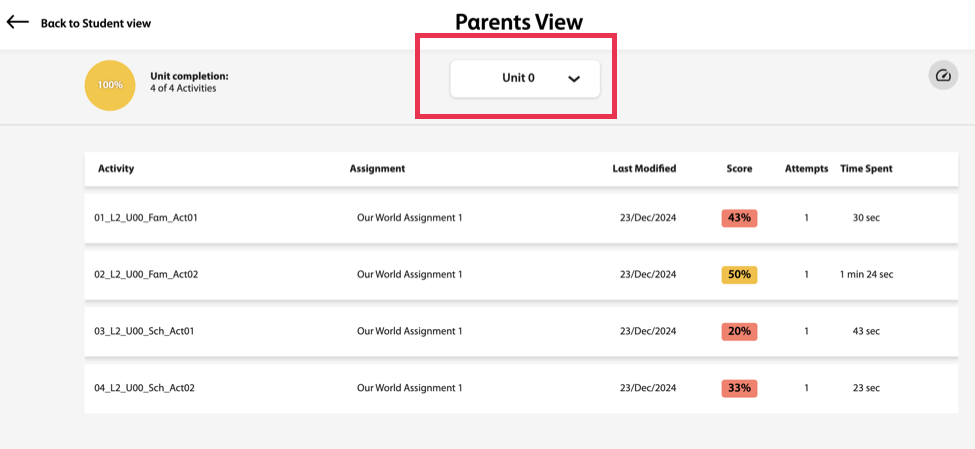
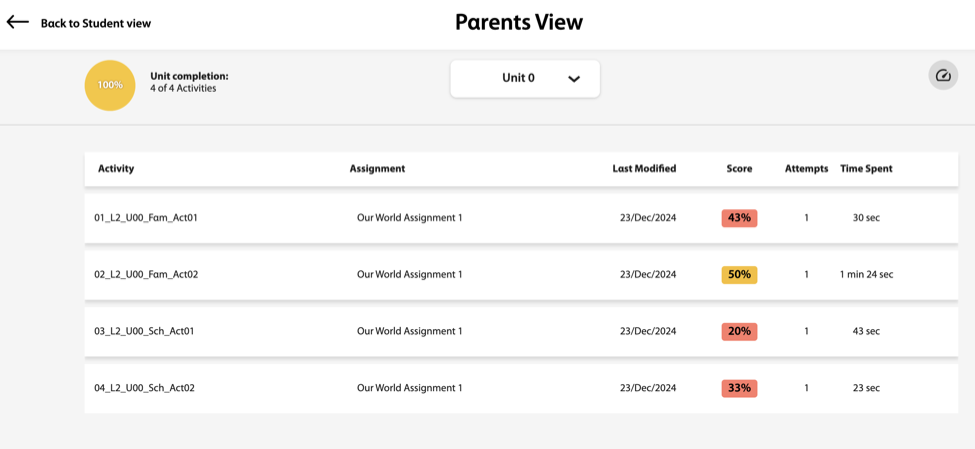
In this view, you will see:
- Percentage of completed activities within a unit
- The list of activities in that unit
- The score on each activity
- The last time your child worked on an activity
- The score
- The number of attempts
- Time spent on the activity
Hover over an activity and click
 to view the activity.
To see another unit's progress, select the desired unit from the dropdown menu under Parents View.