

Spark Student Help
Cause
Most likely, when you registered for Spark, you clicked Not studying with a teacher? and got a course key for a self-study course instead of using the course key from your instructor.
Use your instructor's course key to transfer out of the self-study course and into the instructor-led course.
Resolution
In Spark, click
 ›
›  My Account.
Your profile opens.
Navigate to your course and click Switch to teacher-led course.
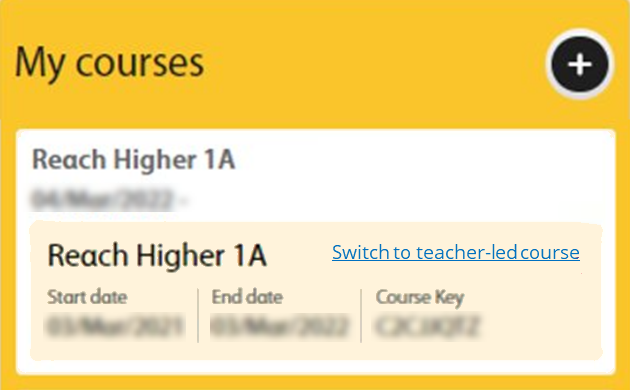
Enter your instructor's course key and click Next.
Click Join.