
MindTap Instructor Help
Courses using Standard MindTap have an eBook icon in the toolbar.
 in the toolbar.
Editing is not available for all activities.
At the top of the activities list, turn on Edit
 .
.Click
 Edit next to an activity.
At the bottom of the activity settings editor, click Edit Activity Options.
The assignment editor opens.
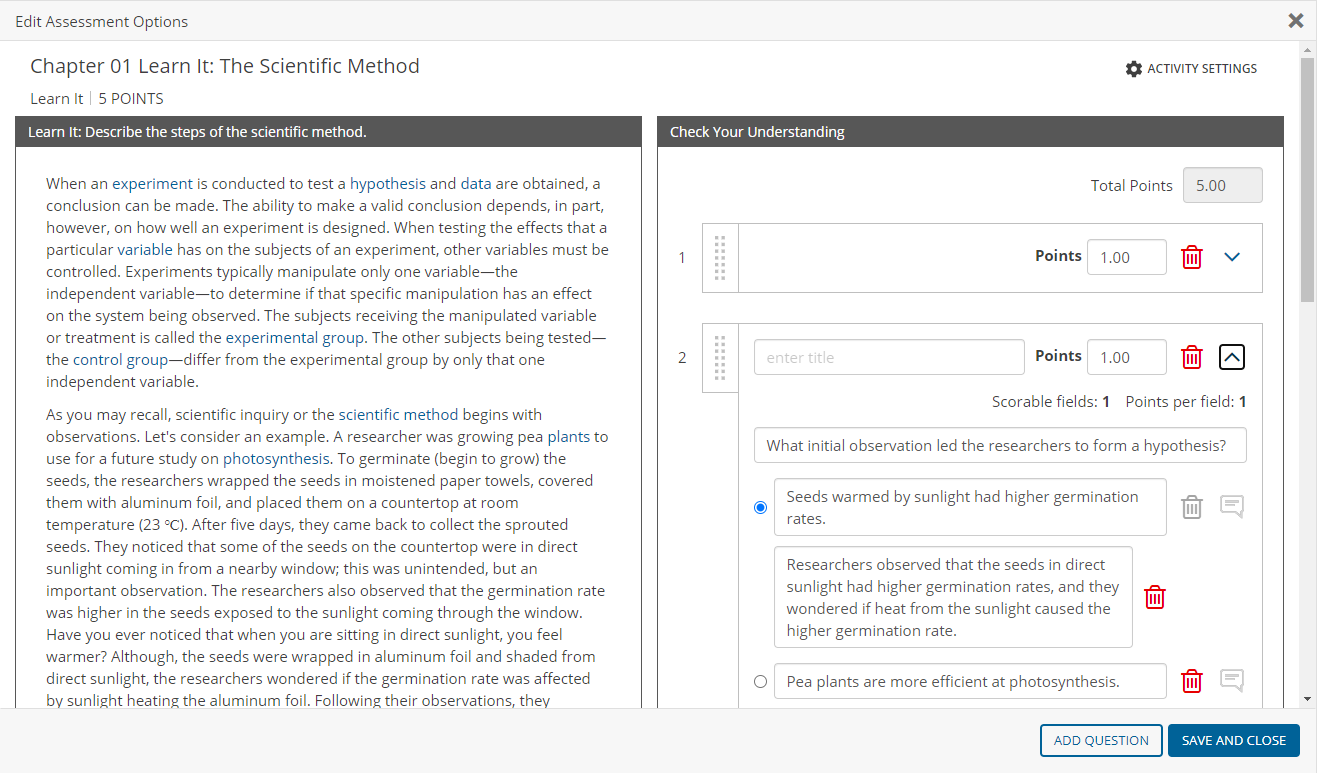
Open the activity editor.
To do this:
Do this:
Edit an activity on the learning path
Click
 › Edit activity title and content.
Edit an activity from the Activity Bank
- Click + Activity › Activity › Add from Activity Bank.
- Click an activity.
- Click Edit.
Create a new activity
- Click + Activity › Activity › Create New.
- Click either Create Activity or Create Activity with Question Pools.
Edit the activity.
Click Save.